
Revisit & share a journey
Share a search
Section titled “Share a search”After searching, copy the URL from the address bar. It includes the locations, time and travel settings. Opening that link runs the search again.
Share one trip
Section titled “Share one trip”Open a journey and choose Share Trip Link. Open the copied link to see the saved trip. The Shared Trip banner identifies it as a snapshot.
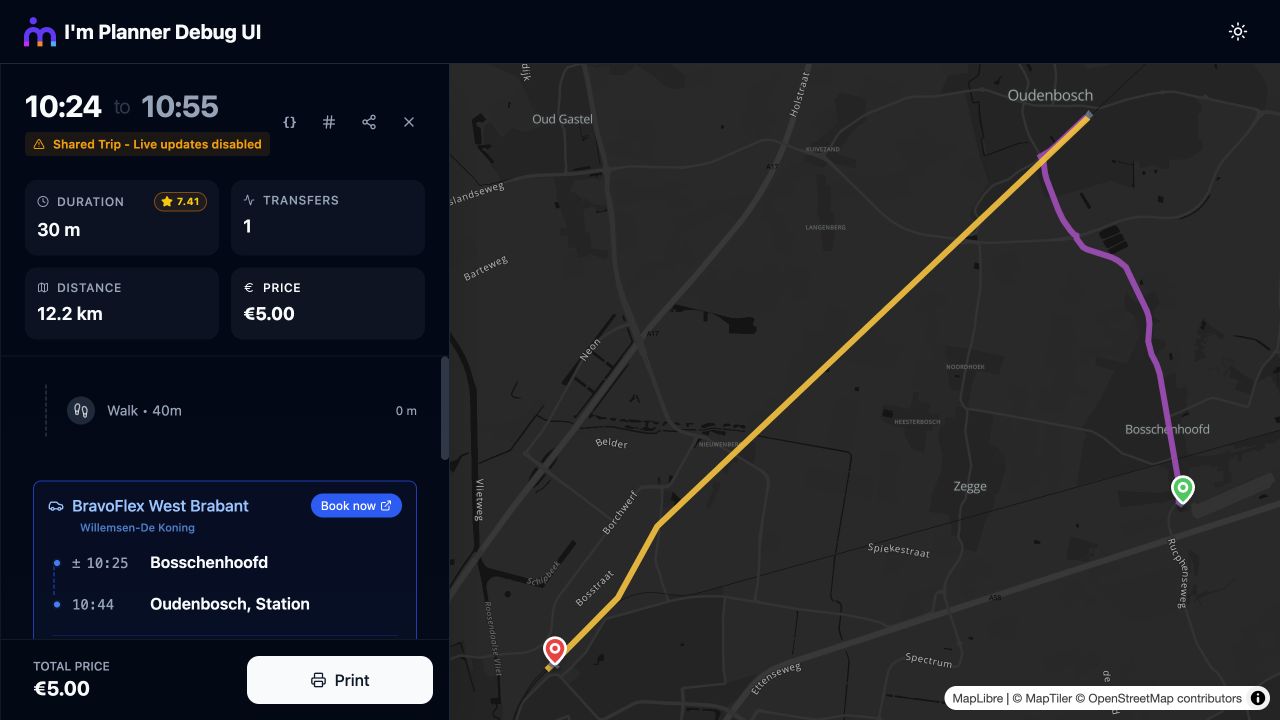
A shared Bravoflex journey with the Shared Trip banner and route map.
Look up the same itinerary
Section titled “Look up the same itinerary”Copy the hash from a transit trip. Return to the search, keep the original places and time, and paste it into Itinerary hash (optional).
const request = { ...originalRequest, itineraryHash: selectedTrip.itineraryHash};I’m Planner searches for that itinerary again. Show the updated details when it is found, or offer a fresh search when it is unavailable.
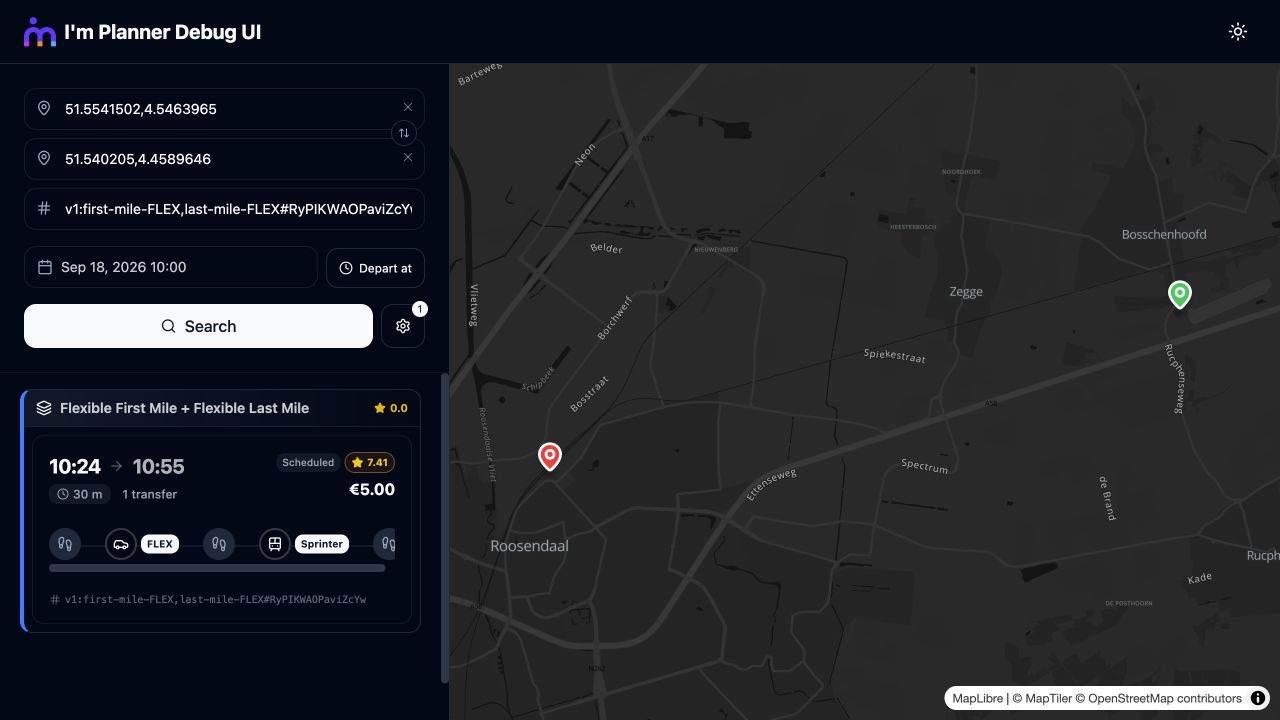
The original itinerary hash entered in the search, with the matching Bravoflex journey returned.